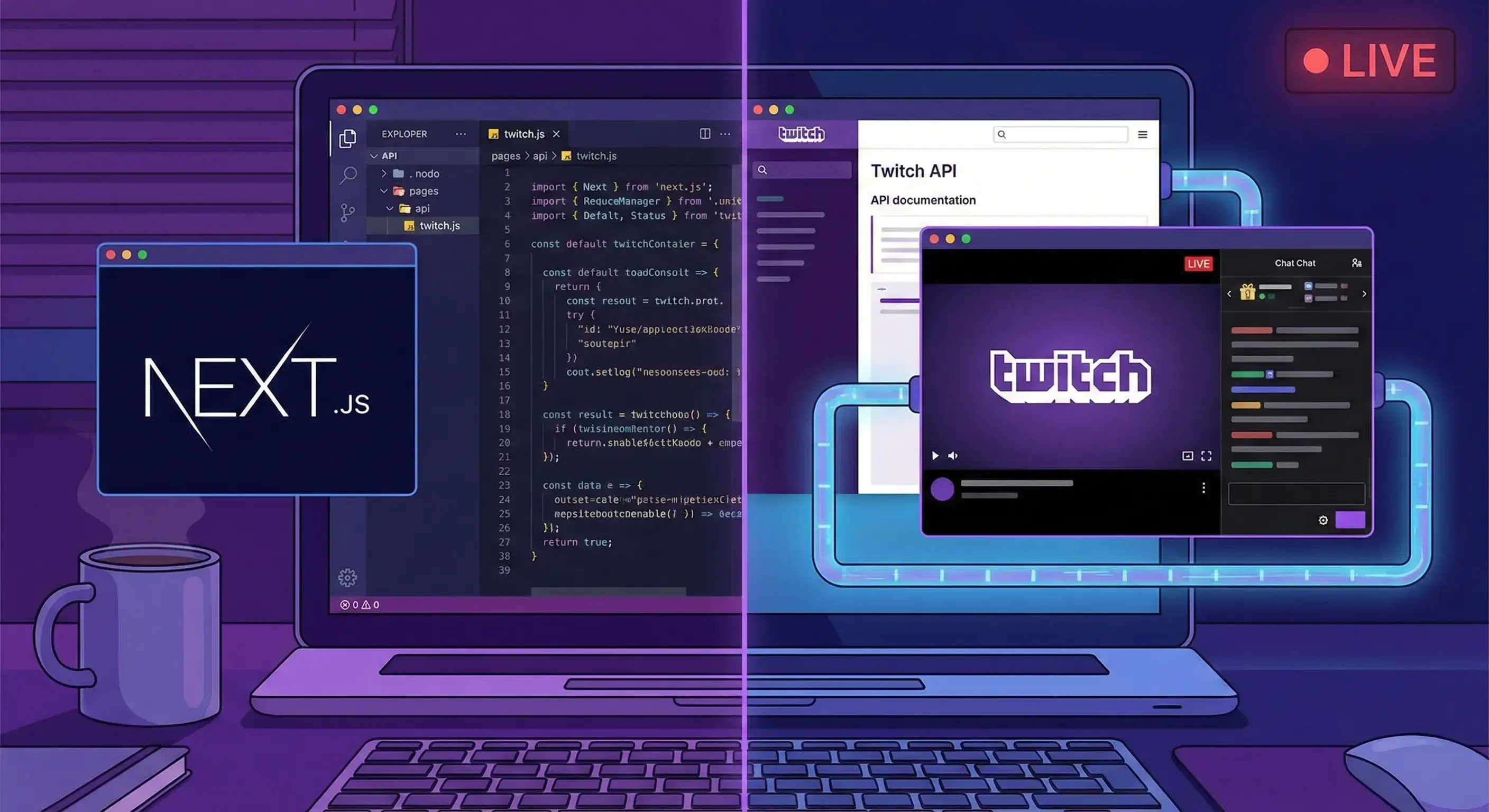
Today we are building a Next.js app where users sign in with their Twitch account and see the channels they follow, including who is live right now. Real OAuth, real APIs, no shortcuts: by the end, you will have a complete authentication flow you can reuse with any provider.
Useful links before we start:
🔧 Setup: the Twitch console
The first step happens in the Twitch developer console: create an account if you do not have one, then register a new application. The important field is the OAuth Redirect URL, where you should enter:
http://localhost:3000/api/auth/callback/twitchThis is the address Twitch sends users back to after login, and Auth.js handles it for us. Get the Client ID and Client Secret from the console and put them in an .env.local file:
AUTH_TWITCH_ID=il-tuo-client-id
AUTH_TWITCH_SECRET=il-tuo-client-secret
AUTH_SECRET=una-string-casuale-lunga
AUTH_SECRET lets Auth.js sign sessions: generate it with npx auth secret or any random string generator.
Pay attention to variable names: in Next.js, anything prefixed with
NEXT_PUBLIC_ends up in the browser bundle, readable by anyone who opens DevTools. Client secrets and signing keys must never have that prefix: theAUTH_*variables above stay on the server, where secrets belong.
📦 Setup: the project
Create the project and install Auth.js (the package is still called next-auth, version 5):
npx create-next-app@latest twitch-follows
cd twitch-follows
npm install next-auth@beta
🔑 Configuring Auth.js
All the configuration lives in an auth.ts file at the project root: we declare the Twitch provider (Auth.js has one ready to use), the scopes we need and two callbacks to capture the access token.
1// auth.ts
2import NextAuth from 'next-auth';
3import Twitch from 'next-auth/providers/twitch';
4
5export const { handlers, auth, signIn, signOut } = NextAuth({
6  providers: [
7    Twitch({
8      authorization: {
9        params: {
10          // in addition to login, request access to followed channels
11          scope: 'openid user:read:email user:read:follows',
12        },
13      },
14    }),
15  ],
16  callbacks: {
17    jwt({ token, account }) {
18      // on first login, save the Twitch token and user ID
19      if (account) {
20        token.accessToken = account.access_token;
21        token.userId = account.providerAccountId;
22      }
23      return token;
24    },
25    session({ session, token }) {
26      // expose them in the session for server-side use
27      session.accessToken = token.accessToken as string;
28      session.userId = token.userId as string;
29      return session;
30    },
31  },
32});
Three things to notice. First: the official provider is all we need; we only add extra scope values (the default handles login, but reading followed channels requires user:read:follows). Second: the client ID and secret do not appear in the code; Auth.js reads them automatically from the AUTH_TWITCH_* variables. Third: the jwt and session callbacks hand the token along: Twitch gives it to Auth.js, and we transfer it into the session so we can use it for API calls.
The route handler is almost embarrassingly small:
1// app/api/auth/[...nextauth]/route.ts
2import { handlers } from '@/auth';
3
4export const { GET, POST } = handlers;
🚪 The login page
No use client, no hooks: a server action and a button.
1// app/login/page.tsx
2import { signIn } from '@/auth';
3
4export default function LoginPage() {
5  return (
6    <main className="login">
7      <form
8        action={async () => {
9          'use server';
10          await signIn('twitch', { redirectTo: '/' });
11        }}
12      >
13        <button type="submit">Sign in with Twitch</button>
14      </form>
15    </main>
16  );
17}
📡 Calling the Twitch APIs
We read followed channels from GET /channels/followed (the reason for that earlier user:read:follows scope), channel details from GET /users, and active streams from GET /streams/followed. Twitch APIs are paginated, so we write a small helper that works through every page:
1// lib/twitch.ts
2const TWITCH_API = 'https://api.twitch.tv/helix';
3
4async function twitchGetAll(path: string, accessToken: string) {
5  const items: any[] = [];
6  let cursor: string | undefined;
7
8  do {
9    const url = `${TWITCH_API}${path}${cursor ? `&after=${cursor}` : ''}`;
10    const response = await fetch(url, {
11      headers: {
12        'Client-Id': process.env.AUTH_TWITCH_ID!,
13        Authorization: `Bearer ${accessToken}`,
14      },
15    });
16
17    if (!response.ok) {
18      throw new Error(`Twitch ha risposto ${response.status}`);
19    }
20
21    const data = await response.json();
22    items.push(...data.data);
23    cursor = data.pagination?.cursor;
24  } while (cursor);
25
26  return items;
27}
28
29// the channels followed by the user
30export const getFollowedChannels = (userId: string, token: string) =>
31  twitchGetAll(`/channels/followed?user_id=${userId}&first=100`, token);
32
33// channel details (avatar, description)
34export const getUsers = (ids: string[], token: string) =>
35  twitchGetAll(`/users?id=${ids.join('&id=')}`, token);
36
37// who is currently live among followed channels
38export const getFollowedStreams = (userId: string, token: string) =>
39  twitchGetAll(`/streams/followed?user_id=${userId}&first=100`, token);
🏠 The homepage
The main page is a server component: it reads the session with auth(), calls the three APIs and combines the results. Everything runs on the server; the token never reaches the browser.
1// app/page.tsx
2import { auth } from '@/auth';
3import { redirect } from 'next/navigation';
4import {
5  getFollowedChannels,
6  getFollowedStreams,
7  getUsers,
8} from '@/lib/twitch';
9
10export default async function Home() {
11  const session = await auth();
12  if (!session) redirect('/login');
13
14  const { accessToken, userId } = session;
15
16  const follows = await getFollowedChannels(userId, accessToken);
17  const details = await getUsers(
18    follows.map((f) => f.broadcaster_id),
19    accessToken
20  );
21  const streams = await getFollowedStreams(userId, accessToken);
22
23  const channels = details
24    .sort((a, b) => a.display_name.localeCompare(b.display_name))
25    .map((channel) => ({
26      ...channel,
27      stream: streams.find((s) => s.user_id === channel.id),
28    }));
29
30  return (
31    <main className="channels">
32      {channels.map((channel) => (
33        <article key={channel.id} className="channel">
34          <img src={channel.profile_image_url} alt={channel.display_name} />
35          <h2>{channel.display_name}</h2>
36          {channel.stream ? (
37            <p className="live">🔴 LIVE · {channel.stream.title}</p>
38          ) : (
39            <p className="offline">offline</p>
40          )}
41        </article>
42      ))}
43    </main>
44  );
45}
The complete flow: session → followed channels → details (sorted by name) → active streams → merge. I will leave the styling to you: the whole structure is here.
A note on expired tokens: a Twitch token lasts a few hours, and once it expires, the APIs return
401. The minimal approach is to catch the error and send the user back to login (signOutfollowed by a redirect); the more robust approach uses the refresh token Twitch provides, renewing the access token in thejwtcallback when it is about to expire. The first is enough for a demo project; know that the second exists before going to production.
✅ Conclusion
To recap: an app registered in the Twitch console, Auth.js handling the OAuth dance with a provider and two callbacks, a token kept on the server, and three API calls combined to build the page. The nice thing about this flow is that it is directly reusable: change the provider (Google, GitHub, Discord...), the scopes and the endpoints, and the skeleton stays the same. Learn it once with Twitch, and every "Sign in with" you encounter becomes a variation on the theme.